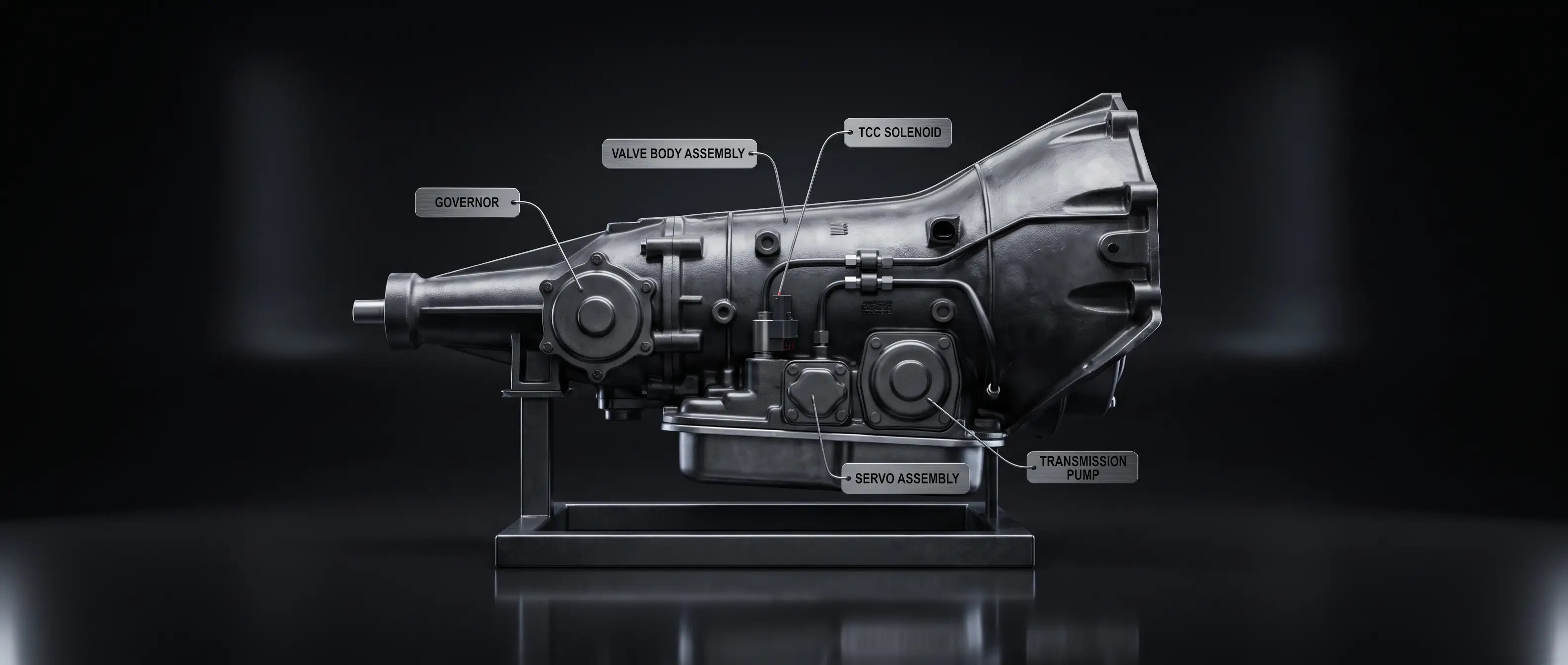
The GM 700R4 (also sold as the 4L60 in later years) is a capable overdrive transmission, but it has one significant maintenance requirement that's frequently overlooked: the Throttle Valve (TV) cable. An improperly adjusted TV cable is the single most common cause of 700R4 overdrive problems — and of premature 700R4 failure.
WHAT IS THE TV CABLE? The TV cable connects the throttle linkage (or carburetor) to the transmission's throttle valve. It tells the transmission how much throttle is being applied, which controls shift timing, line pressure, and shift quality. Unlike a vacuum modulator (used on TH350/TH400), the 700R4 relies entirely on this cable for shift control.
TV CABLE TOO LOOSE: • Transmission shifts into higher gears too early (light throttle shifts) • Low line pressure inside the transmission — causes clutch pack slippage and accelerated internal wear • The transmission may hunt in and out of overdrive under moderate throttle • Internal damage can occur quickly if the cable remains too loose
TV CABLE TOO TIGHT: • Transmission shifts very late and harshly • May refuse to shift into overdrive at all • High line pressure can cause rough shifts and accelerated wear on the valve body
HOW TO CHECK THE TV CABLE ADJUSTMENT: • With the engine off and at idle (cable slack), the TV cable should have a small amount of freeplay — typically 1/16" or less. • With the throttle fully open (wide open throttle), the TV cable should be pulled out fully to its stop. • Most GM vehicles with the 700R4 have an adjustable TV cable with a locking mechanism on the firewall end. Refer to your service manual for the specific adjustment procedure.
BEFORE YOU ASSUME INTERNAL FAILURE: If your 700R4 won't go into overdrive, adjust the TV cable first. This is a free fix. Internal repair or replacement is expensive and unnecessary if the cable is simply out of adjustment.
If you've confirmed the TV cable is correct and the problem persists, contact us at 1-844-XPARTS-1 or support@expediaparts.com to discuss transmission options.


