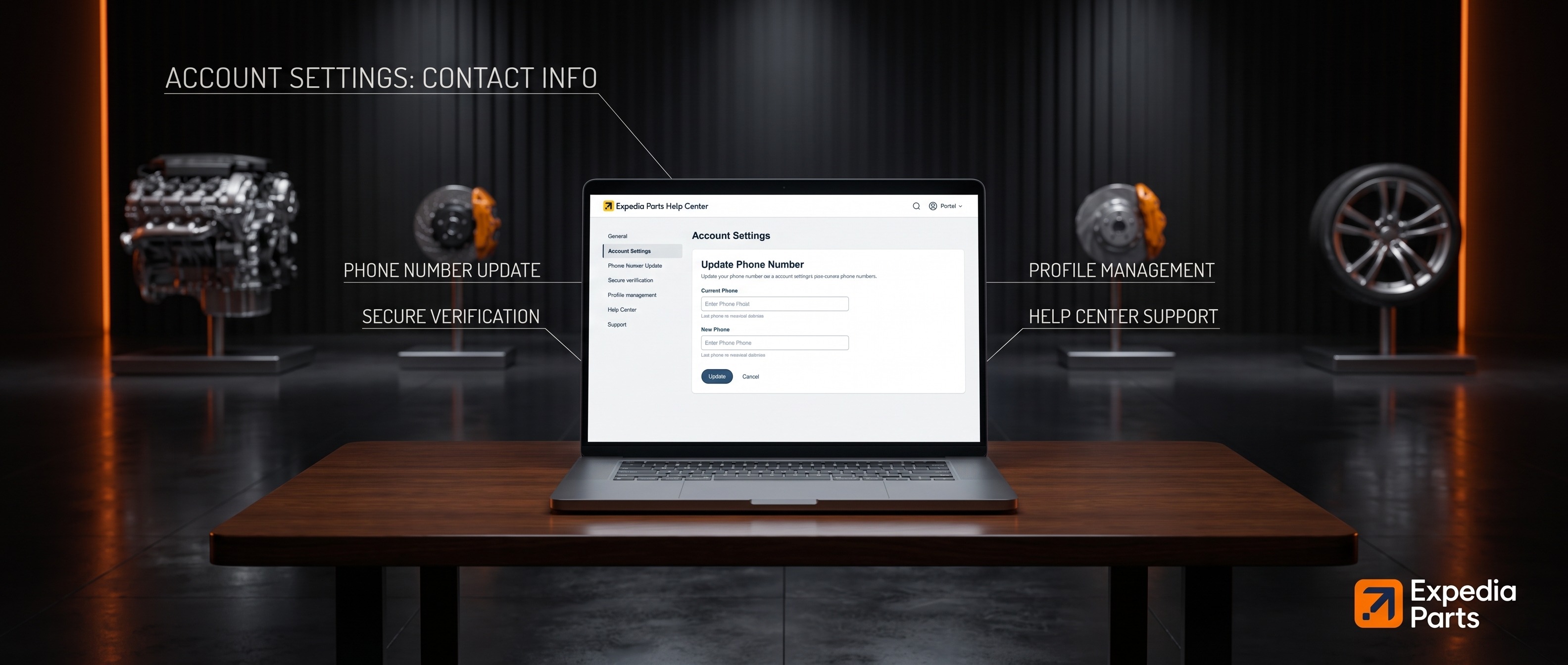
Keeping your phone number up to date is important — freight carriers may contact you to schedule delivery and confirm your availability. Here's how to update it:
- Log in to your account at expediaparts.com.
- Go to My Account > Profile.
- Update your phone number in the designated field.
- Click Save.
We use your phone number primarily for delivery scheduling and order-related updates. We won't use it for marketing calls.
If you need any assistance, our team is available at 1-844-XPARTS-1 (Mon–Fri 9am–7pm EST, Sat 11am–4pm EST) or support@expediaparts.com.


