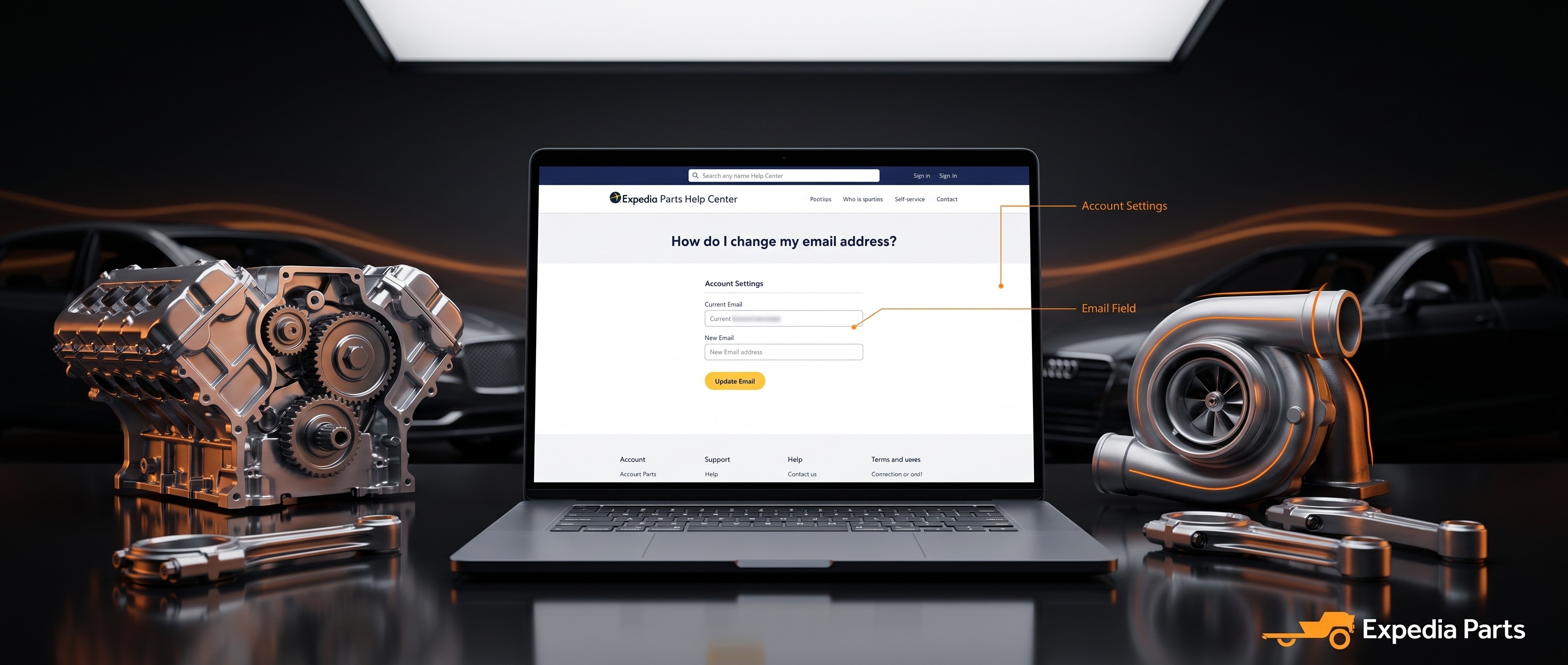
You can update the email address on your account at any time through your profile settings. Here's how:
- Log in to your account at expediaparts.com.
- Click your name or account icon, then go to My Account > Profile.
- Find the Email field and enter your new email address.
- Click Save to apply the changes.
Note: Once updated, your new email address will be used for all future order confirmations, shipping notifications, and account communications. Make sure the address you enter is one you check regularly.
If you have any trouble updating your email, reach out to us at 1-844-XPARTS-1 (Mon–Fri 9am–7pm EST, Sat 11am–4pm EST) or support@expediaparts.com.


