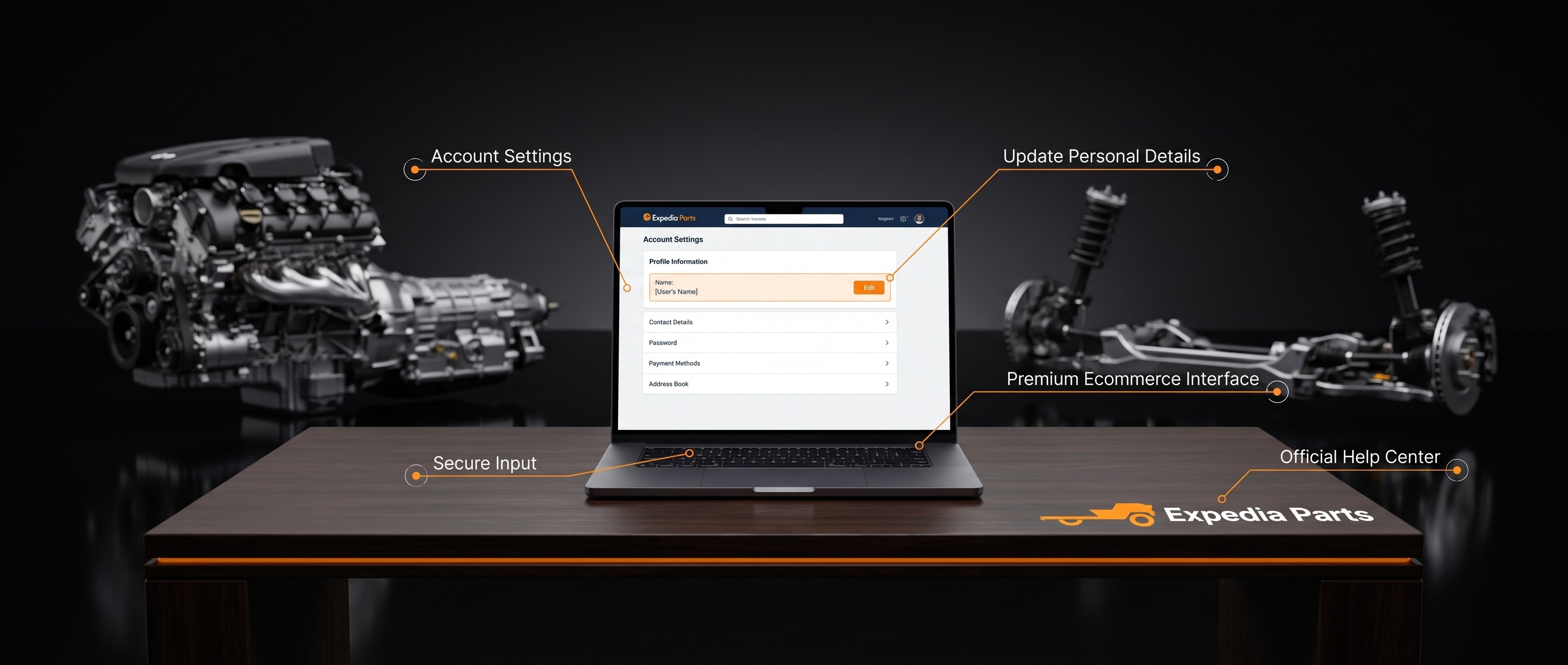
Updating the name on your account is straightforward. Here's how:
- Log in to your account at expediaparts.com.
- Go to My Account > Profile.
- Update the First Name and/or Last Name fields as needed.
- Click Save to apply your changes.
Your updated name will appear on your account going forward. If you run into any issues, don't hesitate to reach out to us at 1-844-XPARTS-1 (Mon–Fri 9am–7pm EST, Sat 11am–4pm EST) or support@expediaparts.com.


