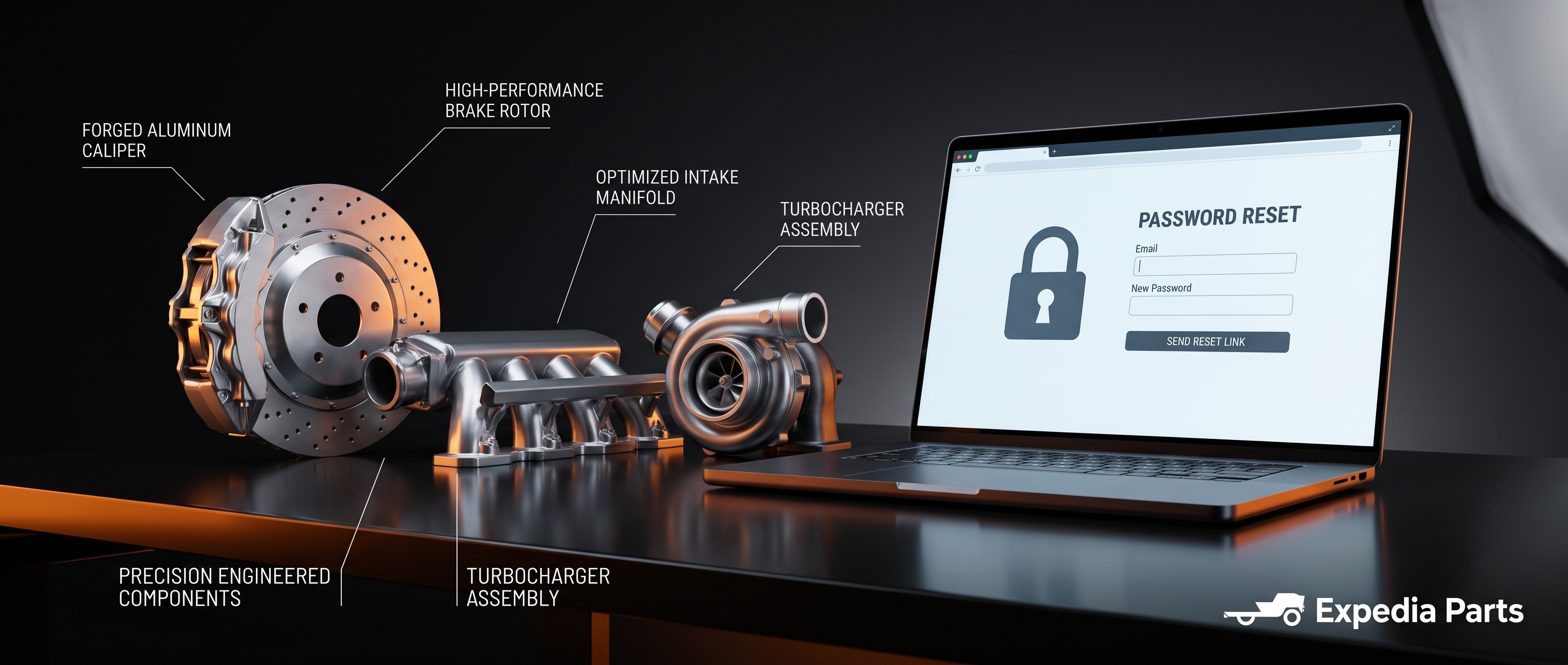
No worries — it happens to everyone. You can reset your password quickly right from the login page.
Here's what to do:
- Go to expediaparts.com and click "Log In" in the top right corner.
- Click the "Forgot Password?" link below the password field.
- Enter the email address associated with your account and click Submit.
- Check your inbox for a password reset email. Follow the link inside to create a new password.
- If you don't see the email within a few minutes, check your spam or junk folder — it sometimes ends up there.
The reset link expires after 24 hours, so be sure to use it promptly.
If you've tried the steps above and are still having trouble accessing your account, our team is happy to help:
- Phone: 1-844-XPARTS-1, Mon–Fri 9am–7pm EST, Sat 11am–4pm EST
- Email: support@expediaparts.com


