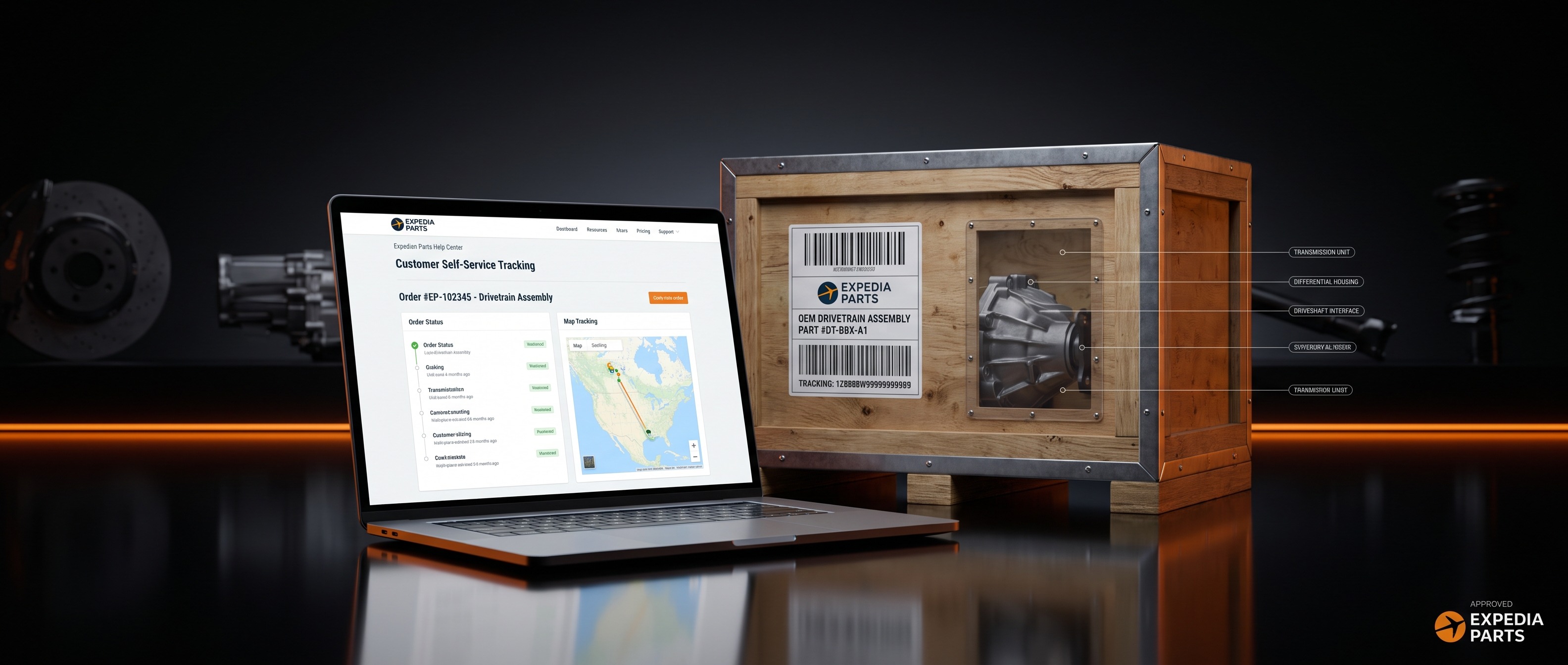
There are a couple of easy ways to check the status of your Expedia Parts order.
Option 1: Log In to Your Account
1. Go to expediaparts.com and log in to your account. 2. Navigate to My Account > Order History. 3. Find your order and click on it to view the current status and any tracking information.
Option 2: Order Status Lookup Tool
You don't need an account to check your order status. Use our Order Status Lookup tool:
1. Go to expediaparts.com and click Track Order. 2. Enter your order number and the email address used at checkout. 3. Your current order status and tracking details will be displayed.
Tracking Your Shipment
Once your order ships, you'll receive a tracking number by email. Please allow 24–48 hours after your shipment confirmation for the tracking number to activate in the freight carrier's system. This is normal with freight shipments.
Still Have Questions?
If you can't locate your order or something doesn't look right, our team is happy to help.
- Phone: 1-844-XPARTS-1
- Email: support@expediaparts.com
- Hours: Monday–Friday 9am–7pm EST, Saturday 11am–4pm EST


